An OpenClaw AI employee toolkit for crypto teams who need help with everything that is not coding.
Set up an OpenClaw-powered AI employee to research competitors, summarize community noise, draft announcements, track partner leads, and turn messy notes into action lists.
Built for crypto realities: fast-moving communities, public claims, FUD, scams, support questions, launch updates, and human approval before anything risky goes out.
Secure checkout via Payhip · instant ZIP download with prompts, trackers, SOPs, examples, approval rules, and a free OpenClaw setup guide for Windows, Mac, and Linux.
Use it for the work crypto teams actually do every day.
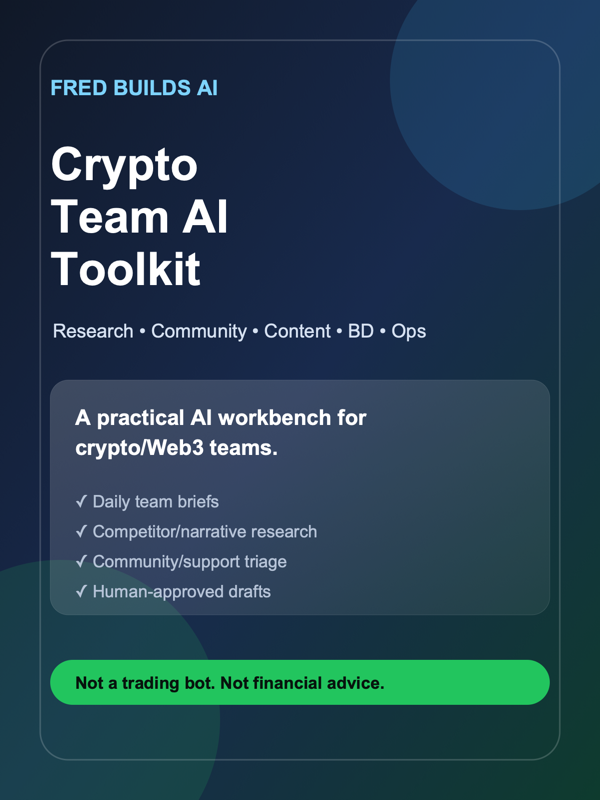
This is not a trading bot. It is a practical OpenClaw-style AI employee workbench for research, content, community, support, partnerships, and ops.
Built for OpenClaw
Designed around OpenClaw-style AI employees: context, prompts, SOPs, memory, and human approval rules.
Research desk
Competitor scans, narrative tracking, ecosystem maps, launch teardowns, and content angles.
Community signal
Summarize Telegram, Discord, and X noise into questions, risks, bugs, and opportunities.
Content drafts
Draft X posts, threads, launch updates, changelog posts, and community announcements for approval.
Support & FAQ
Turn repeated questions into FAQ updates, safe reply drafts, and escalation lists.
BD follow-ups
Track warm partner leads, summarize calls, and draft next-step messages.
What you can build with it
The toolkit gives your team reusable files, not vague advice. Use it to create repeatable OpenClaw workflows that turn scattered crypto ops into clean daily outputs.
Daily team brief
A structured daily summary covering community questions, support issues, market/narrative context, risks, and today’s action list.
Community signal desk
Turn Discord, Telegram, and X noise into themes: bugs, confusion, objections, FAQ gaps, FUD, and useful content angles.
Research assistant
Competitor notes, ecosystem maps, launch teardowns, partner profiles, and simple research briefs your team can actually use.
Content approval queue
Draft posts, announcements, changelogs, and replies — then route anything public or risky through human approval.
Support cleanup
Convert repeated questions into FAQ updates, safe reply drafts, escalation notes, and product feedback loops.
BD follow-up system
Track warm leads, summarize conversations, draft next steps, and avoid losing partner opportunities in chat history.
What’s inside
File preview
Examples of the kind of files included in the ZIP. Everything is written to be copied into your OpenClaw workspace and adapted to your team.
01-command-center.mdDaily operating dashboard for goals, risks, channels, follow-ups, and approval-needed items.
02-community-signal-workflow.mdPrompt + SOP for turning noisy channels into questions, bugs, risks, requests, and content ideas.
03-research-brief-template.mdReusable structure for competitor scans, ecosystem notes, launch teardowns, and partner research.
04-content-approval-queue.mdDrafting workflow that separates ideas, drafts, approval status, and published links.
05-partner-follow-up-tracker.csvSimple tracker for warm leads, last touch, next action, owner, and status.
06-risk-and-approval-rules.mdClear boundaries for financial, legal, public, customer-facing, and sensitive actions.
Good fit if you are…
- a founder or operator in crypto/Web3
- running community, support, content, research, or BD workflows
- using or testing OpenClaw for AI employee workflows
- tired of scattered notes, missed follow-ups, and vague AI prompts
Not a fit if you want…
- trading signals, price calls, or financial advice
- auto-posting, auto-DMs, or autonomous moderation
- a custom service or agency setup
- a magic agent that runs your company without review
Quick FAQ
Do I need OpenClaw already installed?
No. The toolkit includes the free OpenClaw setup guide for Windows, Mac, and Linux. If you already have OpenClaw running, you can start with the workflow files.
Is this financial advice?
No. It is an operations toolkit for research, support, content, community, and follow-up workflows. It does not provide trading signals, token predictions, or investment advice.
What do I receive after checkout?
An instant ZIP download with prompts, SOPs, templates, trackers, worked examples, approval rules, and the OpenClaw setup guide.
Can I edit the files?
Yes. The files are meant to be copied, edited, and adapted to your team’s workflow, tone, approval rules, and channels.
Is this a subscription?
No. It is a one-time downloadable OpenClaw workflow kit.
Give your crypto team an AI workbench, not another generic chatbot.
Start with one toolkit for research, content, community, support, BD, and ops.
Get the workflow kitInstant download · one-time purchase · use with your own OpenClaw/model setup.